
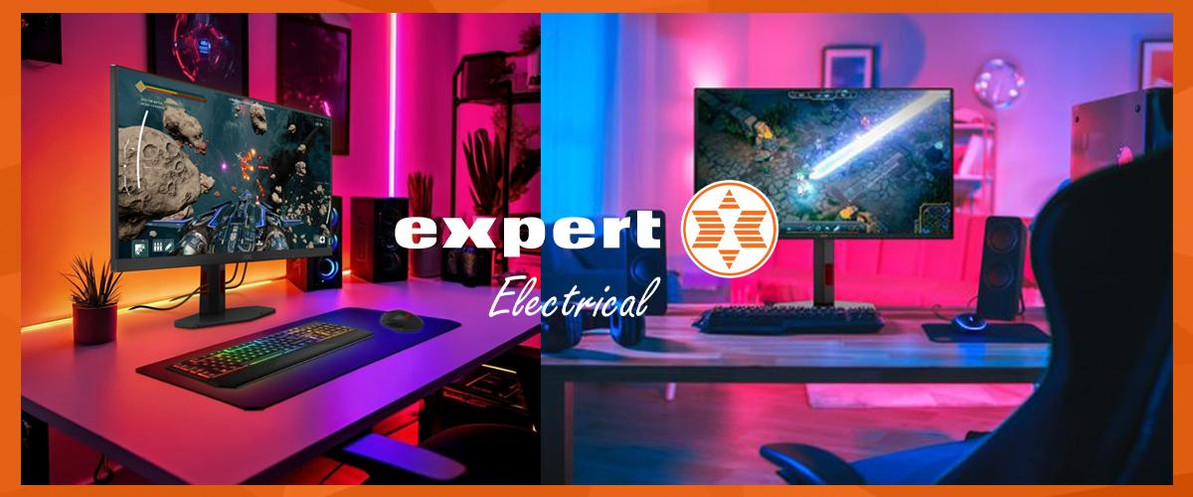
Best Computer Monitors in Ireland: Gaming, Home Office and Curved Screen Picks | Expert.ie
Best Computer Monitors in Ireland: How to Choose the Right Screen for Work, Gaming and Everyday Use
A good monitor can make more difference than most shoppers expect. The right screen feels easier on the eyes, gives you more usable space, sharpens up everything from spreadsheets to streaming, and can completely change how smooth gaming feels. The wrong one usually shows up fast - text feels cramped, colours look flat, motion feels laggy, or the screen simply does not suit the desk.
The current live Expert.ie range is strongest across three clear buying routes. There are practical home office monitors such as AOC 24E1Q, AOC 27P2Q and AOC Q27B3MA for everyday work and study; there is a stronger gaming route through models such as AOC 27G2SPAE/BK, AOC 25G3ZM/BK and AOC C27G4ZXE; and there is a more immersive curved-screen route through options such as AOC CQ32G4VE and AOC CU34G2XP/BK. If your desk setup is still a work in progress, the category also includes monitor mounts and brackets that can make a screen far more comfortable to use day to day.
Quick answer: which monitor should you buy?
For most shoppers, the first question is not brand. It is what the screen is mainly for. If you mostly want work, study, browsing and general everyday use, start with a 24-inch or 27-inch home office monitor. If you care about sharper detail and more screen space, move toward QHD. If gaming is the priority, refresh rate and response time matter much more. And if you want a more immersive setup for games, movies or a wider desk layout, curved monitors are often the strongest route.
The safest all-round home office starting point in the current live range is AOC Q27B3MA, because it combines a 27-inch size with QHD detail and a simple 75Hz setup that is easy to live with. For a more feature-led desk setup, AOC 24V5CW/BK stands out because it brings USB-C and an integrated webcam. If gaming matters most, AOC 27G2SPAE/BK is one of the clearest 27-inch fast-refresh options, while AOC C27G4ZXE is a stronger curved option for shoppers who want a more immersive feel.
Recommended Top Picks
| Buyer need | Recommended live route | Why it works |
|---|---|---|
| Best all-round monitor for most desks | AOC 27" Q27B3MA VA QHD 75Hz 4ms HDMI DisplayPort Speakers | Q27B3MA | A strong 27-inch QHD starting point for work, browsing and general daily use. |
| Best value home office monitor | AOC 23.8" B2C FHD IPS HDMI VGA DisplayPort Speakers 3-Side Frameless | 24E1Q | A practical 24-inch Full HD route when price, size and simplicity matter most. |
| Best monitor for video calls and USB-C desks | AOC 24" 24V5CW IPS Webcam Speakers Height Adjust USB-C | 24V5CW/BK | Built-in webcam, USB-C and a cleaner single-screen home office setup. |
| Best 27-inch gaming monitor | AOC 27" 27G2SPAE/B Gaming LED Monitor IPS 165Hz FHD | 27G2SPAE/BK | A sensible 27-inch fast-refresh gaming route without jumping to the highest price tier. |
| Best faster competitive gaming step-up | AOC 25" Gaming Monitor G3 FHD VA 240Hz | 25G3ZM/BK | Higher refresh for shoppers who prioritise speed and responsiveness. |
| Best immersive ultrawide curved gaming monitor | AOC 34" CU34G2XP/BK Curved Gaming Monitor VA 180Hz WQHD | CU34G2XP/BK | A wider, more immersive curved-screen route for gaming and entertainment. |
How to choose the right monitor
Start with the job the screen needs to do, not the spec sheet. Most shoppers make a better choice when they decide in this order: screen size, resolution, refresh rate, shape, connectivity and then desk setup.
Choose screen size first. A 22-inch or 24-inch model can still work well on tighter desks. A 27-inch monitor usually feels likethe sweet spot when you want more room to work without overwhelming the space. Ultrawide and larger curved screens make more sense when the desk is deeper and immersion matters more.
Match resolution to screen size. Full HD is still fine on smaller and cheaper monitors. QHD becomes much more attractive at 27 inches because text and detail looksharper and you get more usable space on screen.
Refresh rate matters most for gaming.A standard 75Hz route is absolutely fine for general use, work and streaming. Once gaming is the priority, 165Hz, 240Hz and above can make a visible difference in motion and responsiveness.
Think honestly about curved versus flat. Curved screens are usually about immersion, especially for gaming and wider formats. Flat screens are often the cleaner answer for straight office work, shareddesks and more traditional layouts.
Check the connections before youbuy. HDMI and DisplayPort are the basics many shoppers expect. If you want a tidier desk, easier laptop docking or fewer cables, USB-C can be a meaningful upgrade.
Do not ignore ergonomics. Height adjustment,tilt and a good stand can matter just as much as panel specs if you spend hours in front of the screen.
Best computer monitors for different needs
Best all-round monitor for most people
AOC Q27B3MA is the clearest all-round answer in the current live range because it sits in the practical sweet spot: 27 inches is big enough to feel like a real upgrade, QHD keeps the picture sharper than basic Full HD options, and the 75Hz setup is still easy for everyday work, browsing and streaming.
Best value monitor for home office and study
AOC 24E1Q is one of the cleanest value-led choices when you want a monitor that simply does the basics well. The 23.8-inch Full HD format suits smaller desks, spare rooms, student setups and second screens without feeling cramped.
Best monitor for video calls and tidy desk setups
AOC 24V5CW/BK is a very strong route for hybrid working because the built-in webcam and USB-C support solve two of the most common desk questions at once. It is a simpler, cleaner answer for shoppers who want one screen that feels ready for calls, work and everyday use.
Best 27-inch gaming monitor
AOC 27G2SPAE/BK is a strong place to start when you want a bigger gaming screen without moving straight into the most expensive curved and ultrawide routes. A 27-inch fast-refresh monitor is often the right balance for console gaming, casual PC gaming and all-round entertainment.
Best monitor for faster competitive play
AOC 25G3ZM/BK makes the most sense for shoppers who care more about speed than sheer screen size. This is the kind of route that becomes more attractive when refresh rate matters most and desk space is not the main issue.
Best curved monitor for immersion
AOC C27G4ZXE is a good curved entry point if you want gaming to feel more immersive without jumping to the width and cost of a 34-inch ultrawide. If you do want a stronger step-up, AOC CU34G2XP/BK is the bigger, wider and more premium-feeling curved route.
Best bigger curved screen for a more cinematic setup
AOC CQ32G4VE is one of the clearest routes for shoppers who want a larger curved display that feels more dramatic on a gaming or entertainment desk.
Monitor comparison: what should you compare first?
| What to compare | Best for | What it usually means in real use |
|---|---|---|
| 22–24 inch screens | Smaller desks, study spaces and second screens | Lower spend, easier fit and enough room for everyday browsing, admin and student work. |
| 27-inch screens | Most home office and general-use shoppers | The sweet spot for more usable space and a clear upgrade from a laptop-only setup. |
| Full HD | Value-led everyday use | Still works well for smaller screens and lighter use, especially when budget matters most. |
| QHD | Sharper work and more desktop space | Better detail and more room on screen, especially appealing once you move to 27 inches. |
| 75Hz | Work, study, browsing and streaming | Fully suitable for standard daily use where motion smoothness is not the priority. |
| 165Hz–280Hz | Gaming-focused setups | A stronger fit for smoother motion and quicker-feeling gameplay. |
| Flat screen | Traditional desk work and shared use | Usually the cleaner fit for office tasks, spreadsheets and straightforward setups. |
| Curved screen | Immersion, gaming and wider screens | A better fit when you want a more wraparound, cinematic feel. |
Computer monitor FAQ
What size monitor should I buy?
A 24-inch monitor is still a very good answer for tighter desks, study spaces and second screens. A 27-inch monitor is often the best all-round choice when you want more space to work and a more obvious upgrade.
Is Full HD enough, or should I buy QHD?
Full HD is still enough for many everyday setups, especially on smaller screens. QHD becomes much more attractive at 27 inches because it looks sharper and gives you more usable room on screen.
Do I need a curved monitor?
Only if it suits the way you use the screen. Curved monitors are strongest for immersive gaming, entertainment and wider formats. Flat screens are often the cleaner option for general office work.
What refresh rate is best for gaming?
For standard work and browsing, 75Hz is fine. For gaming, many shoppers will notice a worthwhile jump once they move into 165Hz and above, especially on faster titles.
Is USB-C worth paying extra for on a monitor?
It can be, especially if you use a laptop and want a tidier desk with fewer cables. It makes more sense when the screen is part of a daily work setup rather than occasional use.
Should I buy a monitor arm or stand?
It is worth considering if your desk space is tight, you want a cleaner setup or you need better screen positioning for comfort.
Conclusion
If you want the simplest starting point for most buyers, lead with screen size and use case. A good 24-inch or 27-inch monitor is still the right answer for most desks. Move into QHD when you want sharper everyday detail, move into fast refresh when gaming matters, and move into curved only when immersion is genuinely part of the brief.
For a smart all-round work and everyday route, start with AOC Q27B3MA. For a cleaner hybrid-working setup, look at AOC 24V5CW/BK. For gaming, start with AOC 27G2SPAE/BK or AOC C27G4ZXE. And if you want a more immersive curved screen, step up to AOC CU34G2XP/BK.
Recent Posts
-

MacBook vs Windows Laptop: Which Is Better for You in 2026? | Expert.ie
MacBook vs Windows Laptop: Which Should You Buy in 2026? A MacBook and a Windows laptop can both be …14th Sep 2026 -

Chromebook vs Windows Laptop: Which Is Better in 2026? | Expert.ie
Chromebook vs Windows Laptop: Which Should You Buy in 2026? A Chromebook can cost less than many Wi …10th Sep 2026 -

8GB vs 16GB vs 32GB RAM: How Much Laptop RAM Do You Need? | Expert.ie
How Much RAM Do You Need in a Laptop? 8GB vs 16GB vs 32GB Explained Choosing laptop RAM can feel mo …8th Sep 2026